


Create your account
Add your business name, contact details and areas of operation.
For the business behind every journey
Bookings, vehicles, M-Pesa payments and your own rental website. One place to run your car hire business.
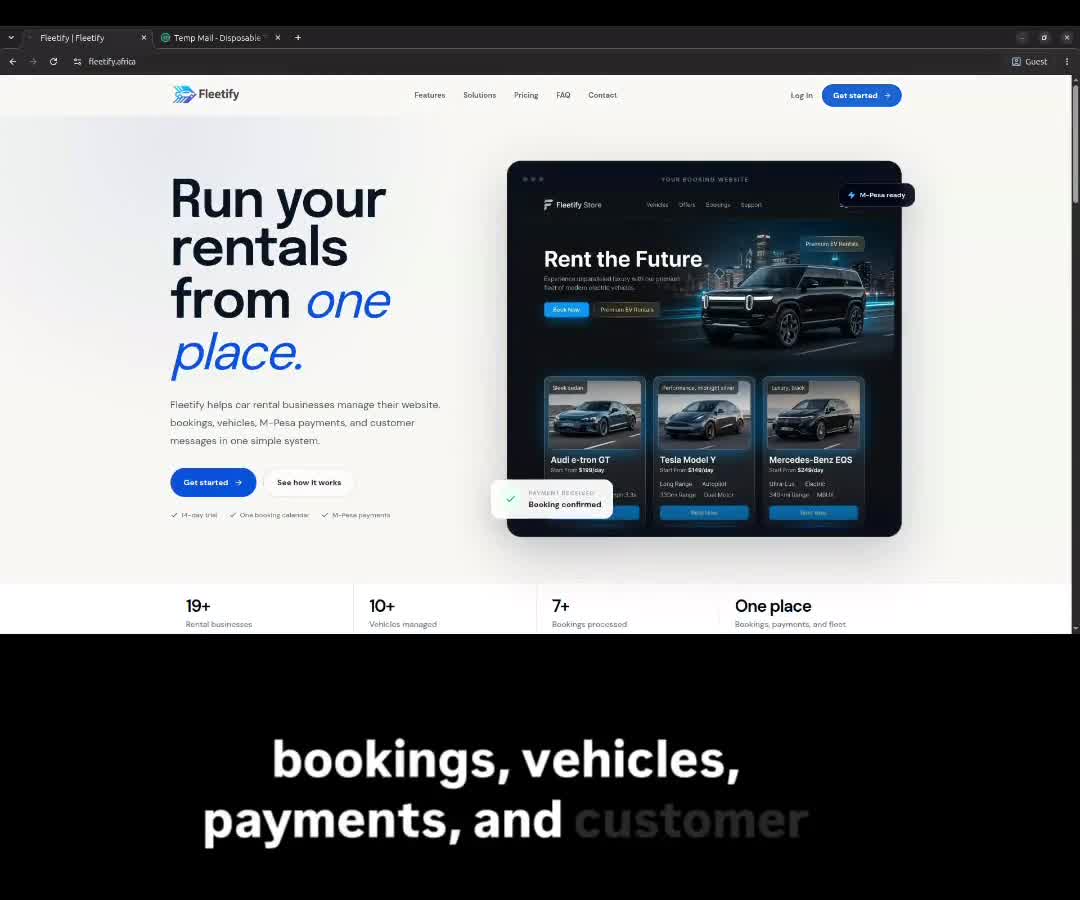
A look inside Fleetify
See how to set up your account and manage your rental business.
Built for Kenyan car hire businesses
Running a rental company means keeping track of a lot. Fleetify brings your vehicles, customers, bookings and payments into one workspace.
Your everyday tools
From the first enquiry to the final return, keep the details in one place.
View all featuresSee pickup dates, returns and extensions on one calendar.
Collect by M-Pesa. Track balances, commissions and agreed owner shares.
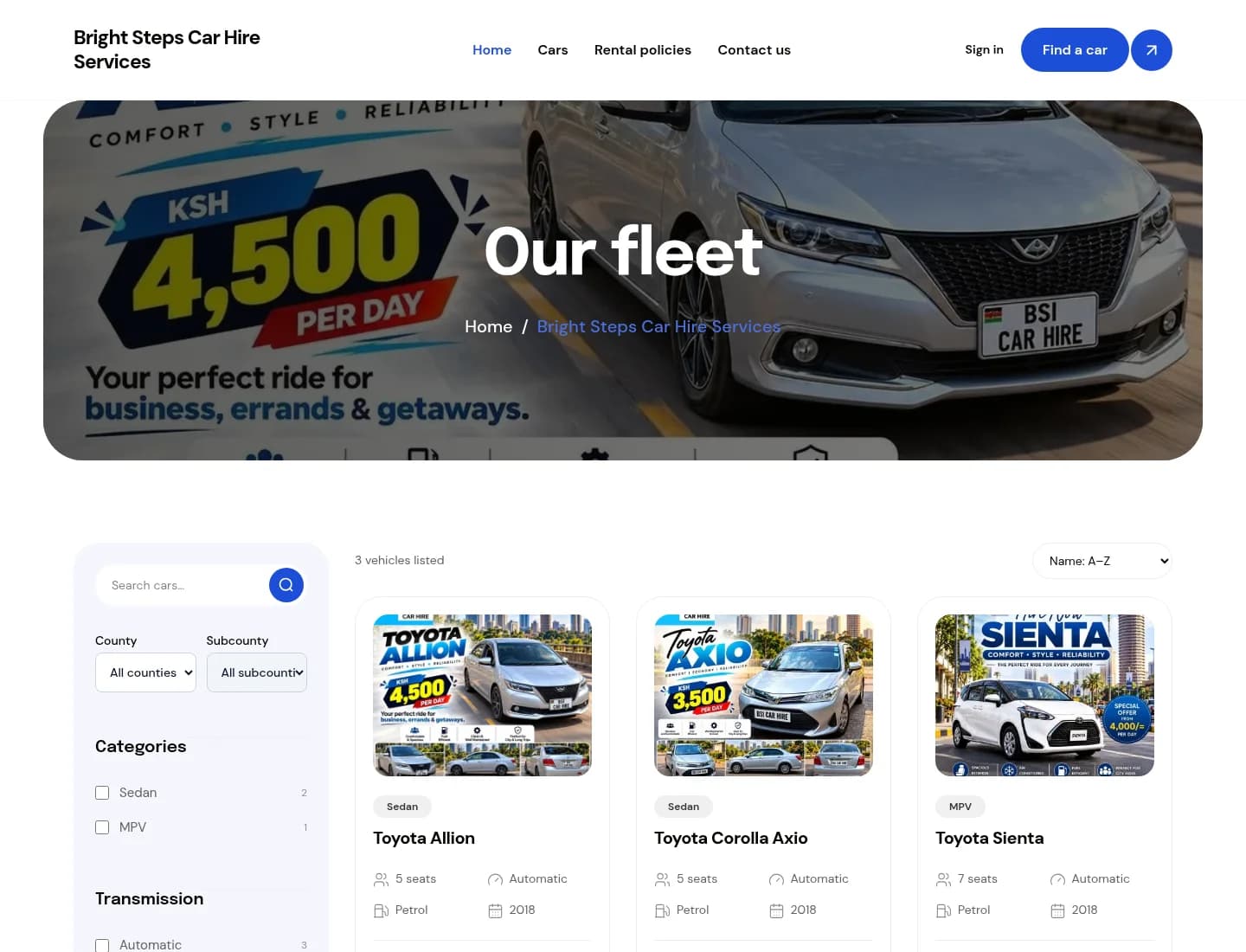
Your vehicles, your colours and a clear way for customers to book.
Payments linked to bookings
Updates where customers are
Your own rental website
A shared view for your team
A better view of the day
See which vehicles are available, rented or in maintenance. Check the calendar before you accept the next booking.
Keep verified payments, outstanding balances and receipts together. Record cash collections and see the commission due.
Approve bookings, prepare a vehicle for collection and complete the return checklist. Each member sees the tools their role allows.
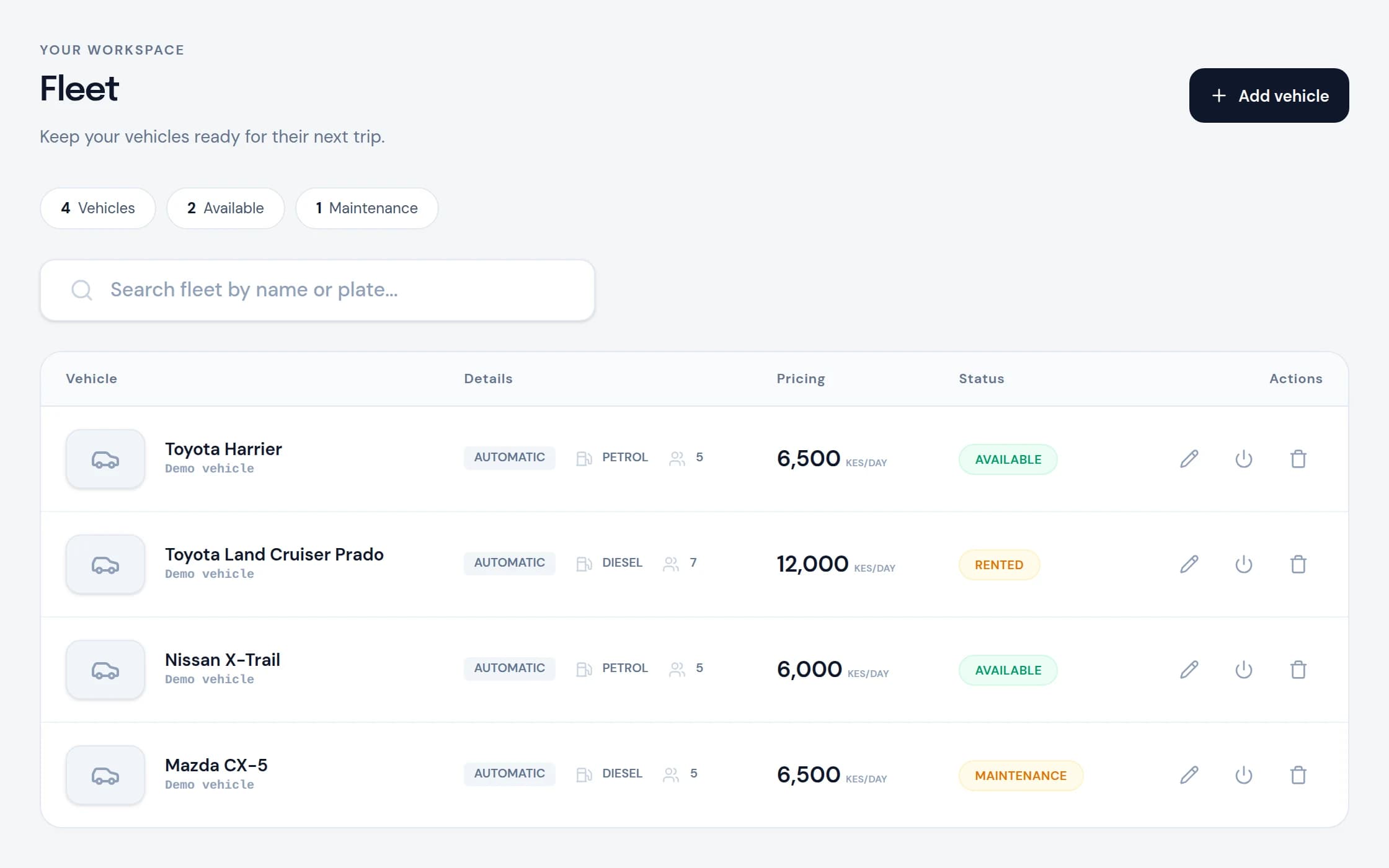
See what is available.
Plan the next booking.
Your website. A wider audience.
Give your business a booking website with your name, colours and vehicles. Share one link on Instagram, WhatsApp or with a returning customer.
Fleetify Discovery gives eligible listings another place to be found. Customers search by location, choose a car and continue booking with your company.
Build your rental websiteCustom domains and website options depend on your plan.
Getting started
Add your business name, contact details and areas of operation.
Submit your business documents and your first vehicle for review.
Add your logo, colours, rental rates and booking policies.
Once approved and set up, share your website and manage your first bookings.
Business and vehicle verification happen before publishing. You can prepare your website while your documents are reviewed.
Before you begin
Understand the trial, the costs and what happens next.
Compare plans & commissionsThe first 30 eligible businesses receive 3 months without subscription or vehicle-seat fees, with a 5% booking commission. Places are confirmed when verification and setup are complete and the first vehicle is approved. You can switch to a paid plan earlier. When places are filled, new businesses receive the standard 14-day trial.
You pay a subscription for your chosen plan and a commission on bookings. Each plan shows its vehicle limit and commission rate on the pricing page. Withdrawal transaction costs are shown before you confirm a settlement.
Yes. Set the agreed owner share, record the agreement and track earnings from verified payments. Cash rentals are recorded separately from money available to withdraw.
Eligible, approved listings can appear on Fleetify Discovery alongside other rental companies. Customers can search by location and continue booking on your website. Visibility depends on listing eligibility and ranking; bookings are not guaranteed.
Founding partner places are limited. Commission and settlement costs apply.