
01
Booking calendar
See bookings, returns, extensions, and cancellations on one shared calendar.
Availability · Booking dates
What Fleetify does
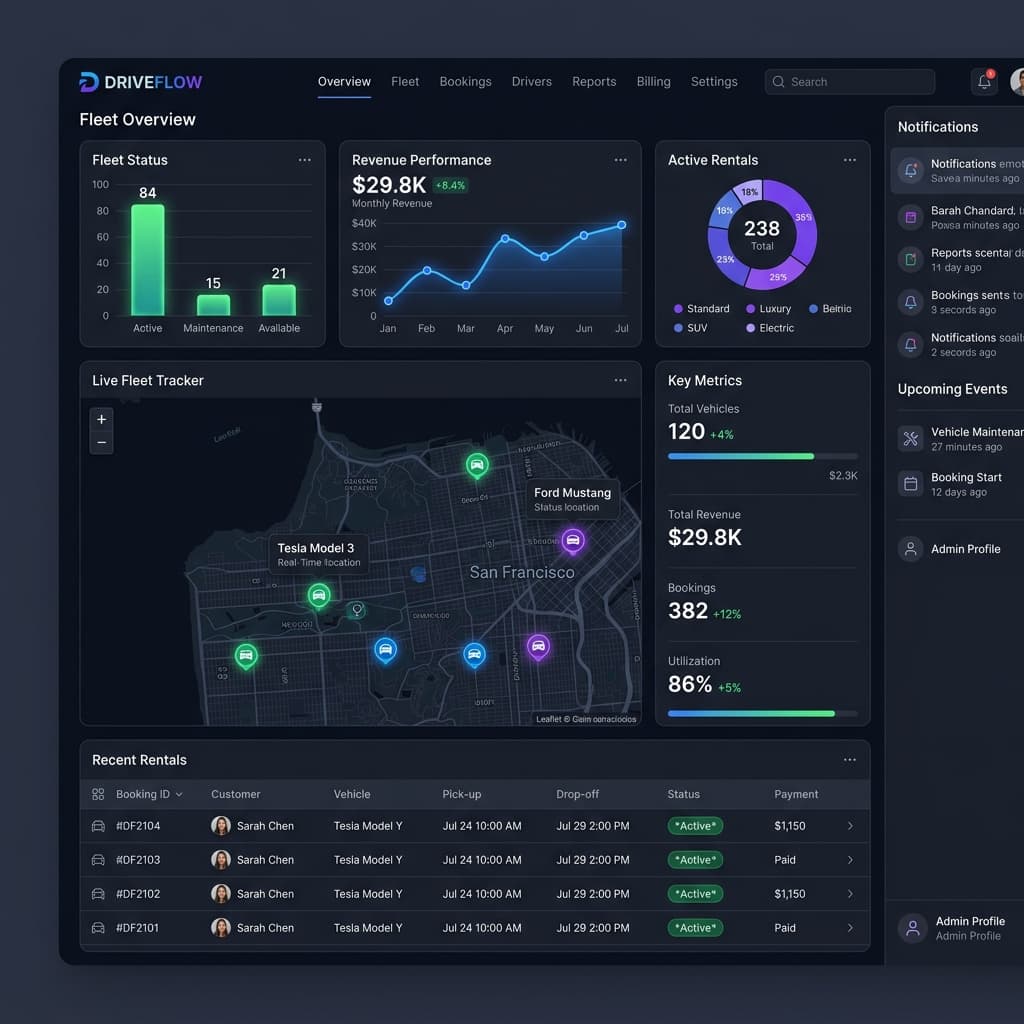
Manage the customer website, bookings, payments, vehicles, and reports without moving between separate tools.
01
Bookings
02
Payments
03
Fleet
Main features
Customer, vehicle, booking, and payment details stay connected, so your team does not have to enter the same information twice.
See bookings, returns, extensions, and cancellations on one shared calendar.
Availability · Booking dates
See which vehicles are available, rented, or need attention without asking for updates.
Vehicle details · Current status
Request payment by STK Push and keep each successful payment linked to its booking.
Payment requests · Payment records
Send clear messages about bookings, payments, pickups, and returns.
WhatsApp · Email
Check revenue, booking activity, and vehicle use from the same records.
Revenue · Vehicle use · Trends
Give each person the access they need while protecting important settings.
Roles · Permissions · Activity
From booking to return
Your team can find the customer, payment, and vehicle details without searching through separate messages or files.
They see your current vehicles, prices, and available dates.
The M-Pesa payment is linked to the correct booking.
The customer, vehicle, booking, and payment details are ready in one place.
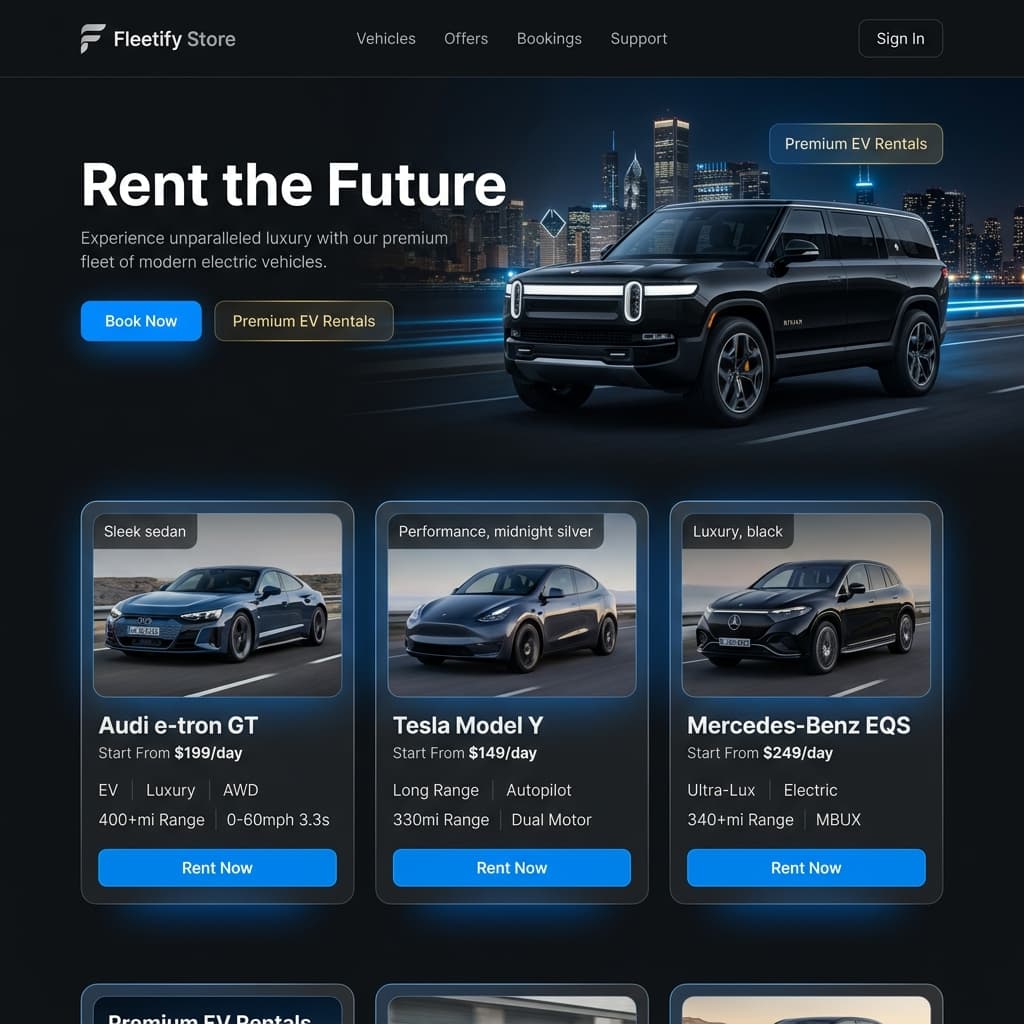
Your booking website
Show your brand, vehicles, prices, and policies on a clear website that works on mobile. Eligible plans can use a custom domain, and new bookings appear in your dashboard.
Ready to begin?